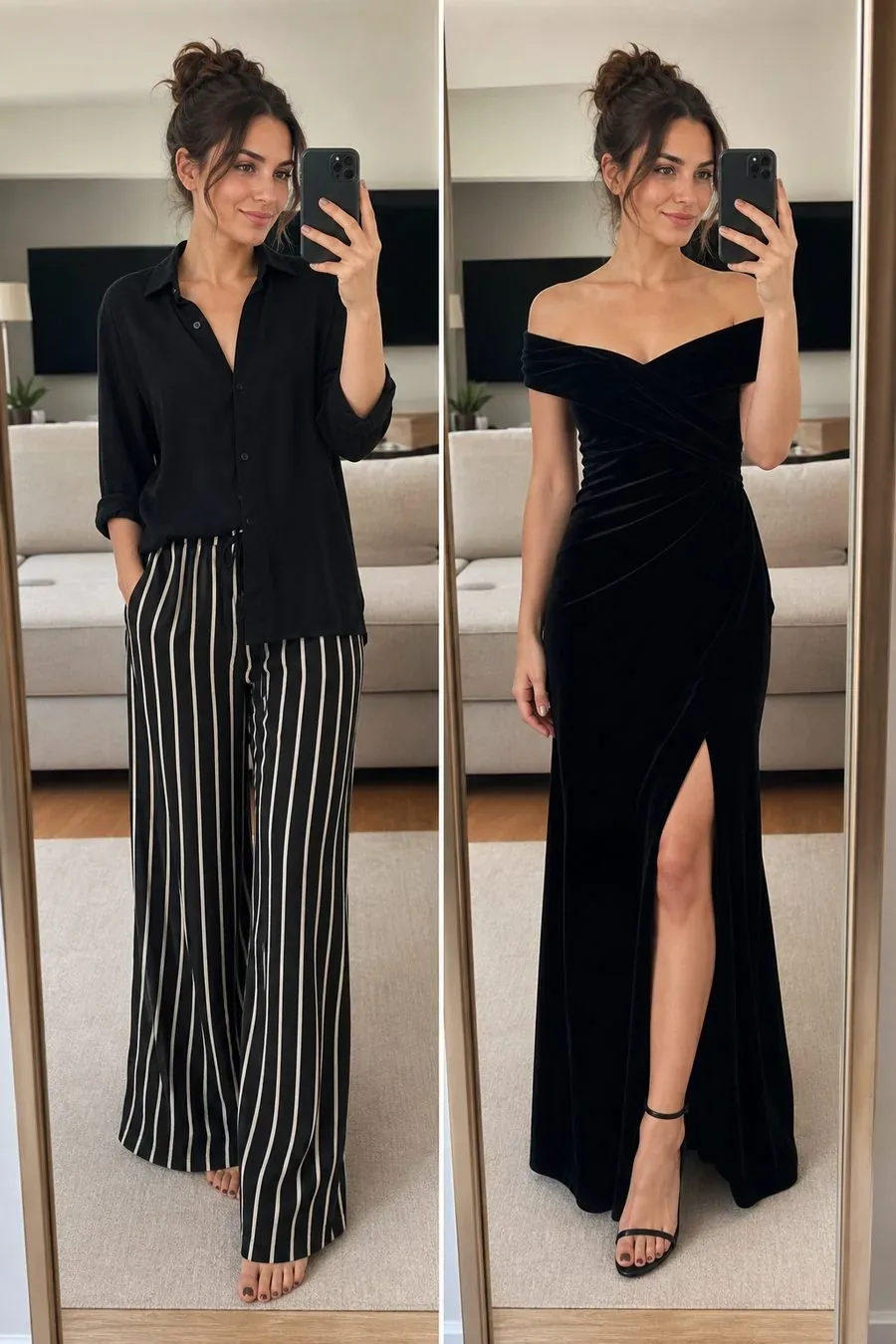
 OriginalStyled
Velvet evening lookHome layers swapped for a formal dress
WellStyle Studio
Drop in a personal shot, select garments from Closet or Outfit, and let WellStyle render a try-on preview you can save on this device.
Reading the visual: one row — garment left, AI preview in the middle, your selfie on the right.
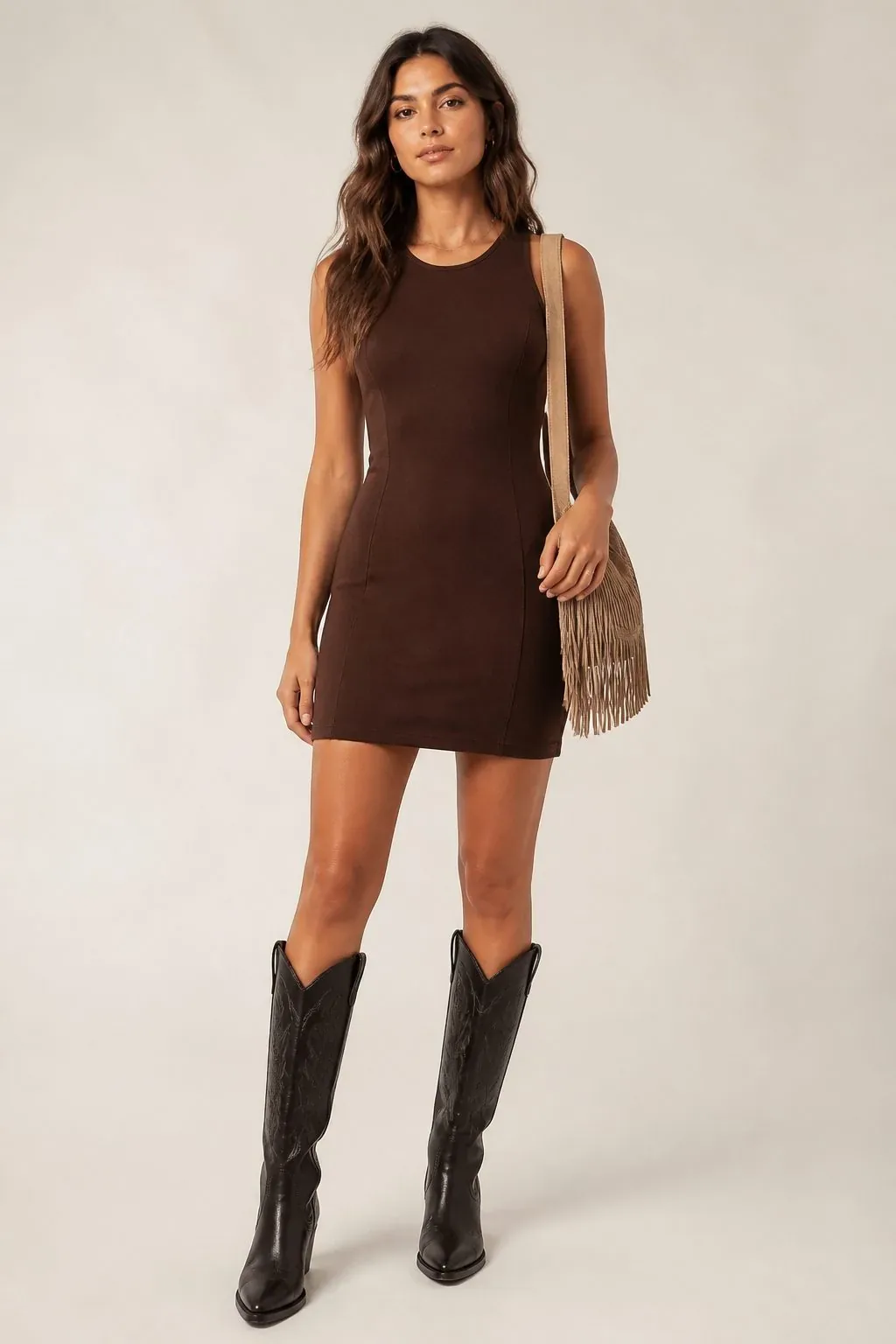
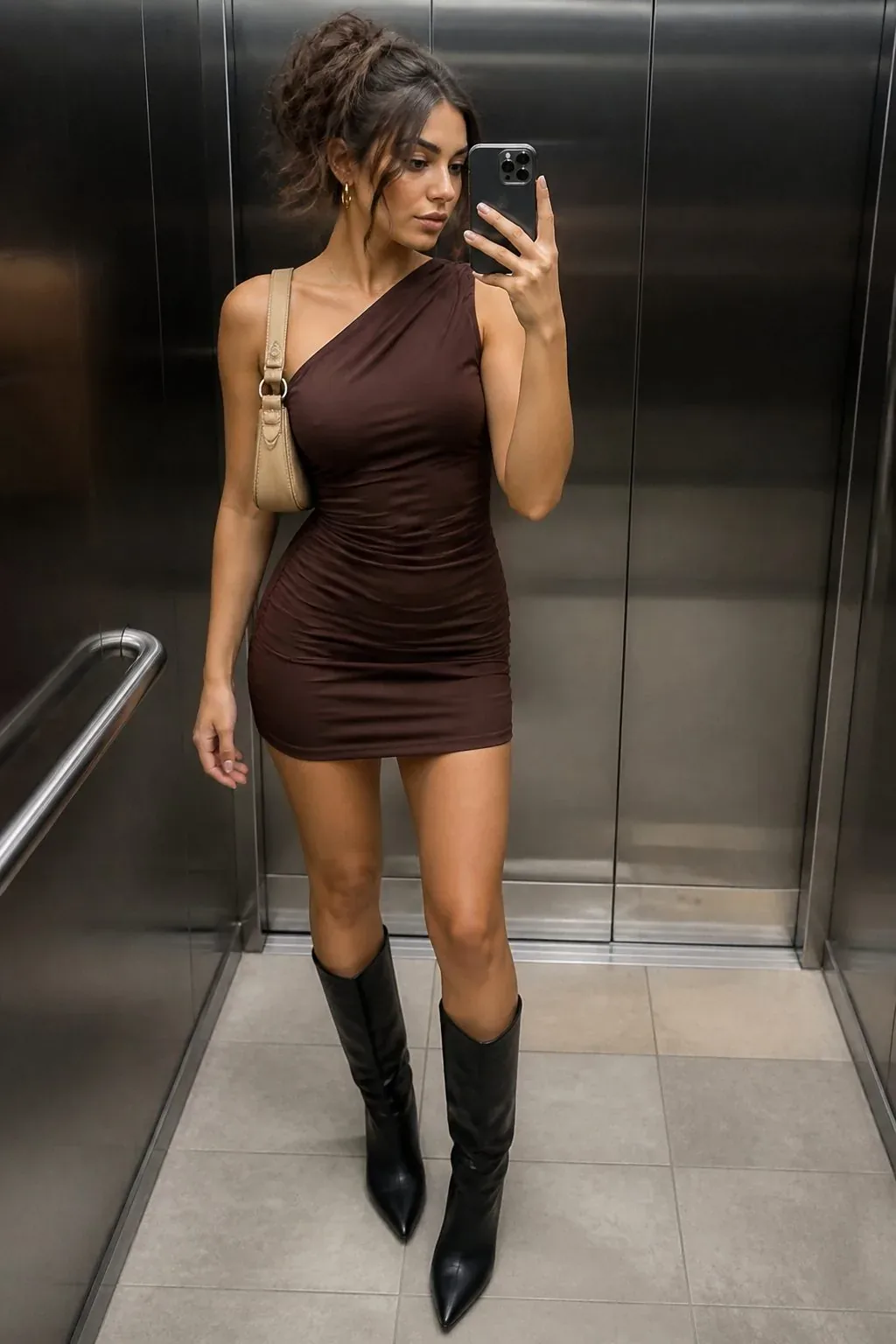

garment preview selfie
Pull the divider across each card. Left keeps the original outfit; right shows the WellStyle try-on after the wardrobe change.
OriginalStyledVelvet evening lookHome layers swapped for a formal dress
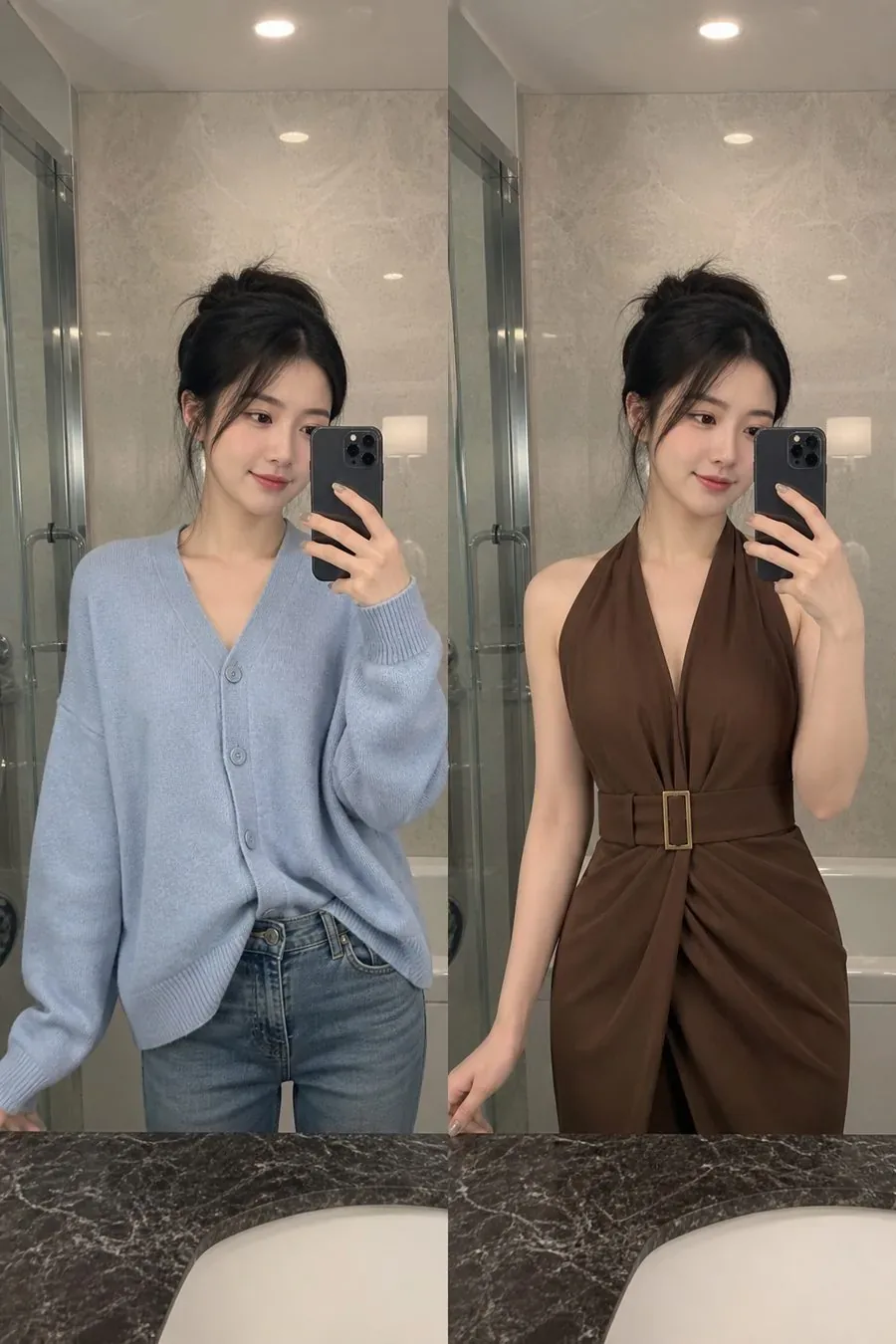 OriginalStyled
Belted brown dressKnit cardigan refreshed into a dinner dress
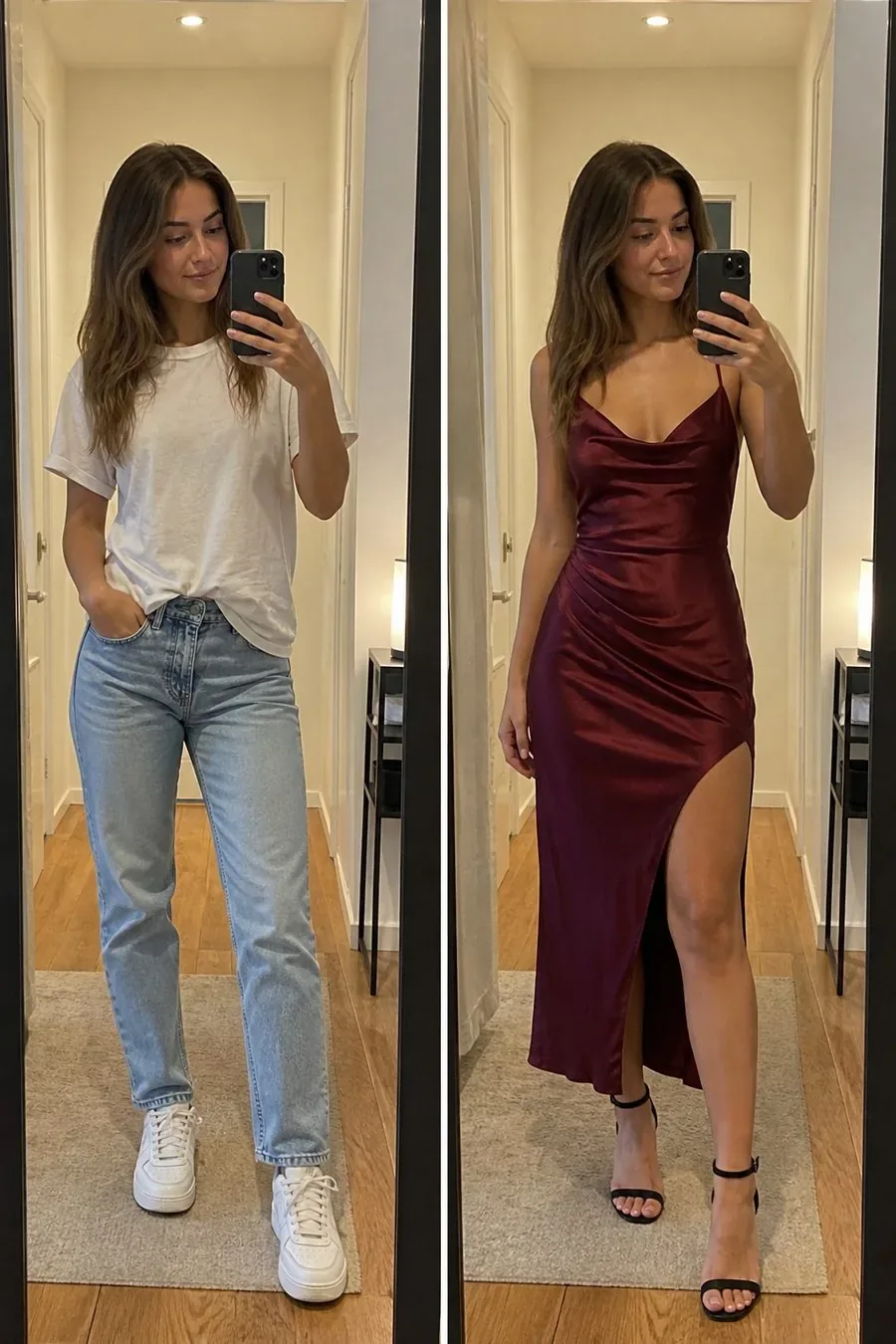 OriginalStyled
Burgundy satin dressWeekend basics upgraded for a night out
Three actions inside WellStyle — nothing to install, nothing to register.
Prefer bright lighting and a forward-facing frame from your camera roll.
Dress the Closet model piece by piece, or start from an Outfit mood.
Review the preview, keep favorites locally, or swap pieces and run again.
About WellStyle
WellStyle is the styling product hosted at aitraveler.me. It combines photo-based try-on, Outfit suggestions, and Closet dressing in one browser studio. You can explore looks without creating an account; saved favorites stay on your device unless you clear site data.
Open Closet or Gallery to pick the piece you want to try.